Call 888-654-3376
 888-654-3376
 My Account


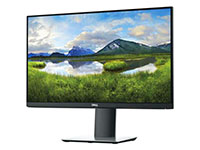

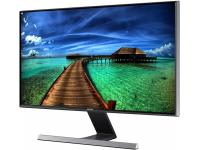
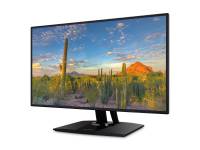

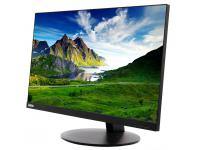
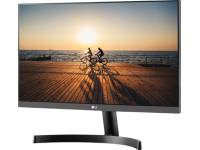





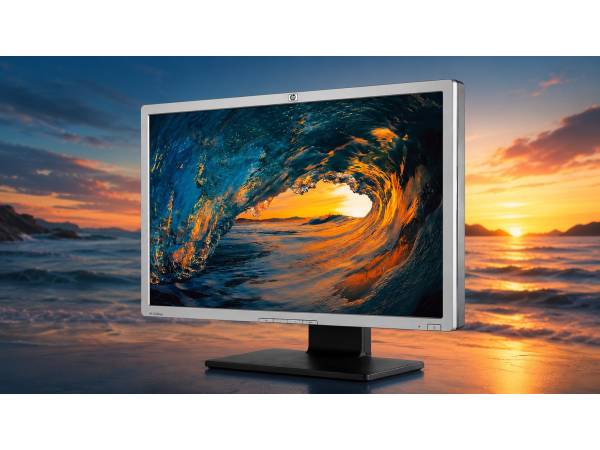
Businesses need reliable displays to keep teams productive, but rising hardware costs can strain budgets. As a result, many organizations consider refurbished monitors as a cost-saving option.
However, many remain cautious due to concerns about quality, potential defects, and limited support. These concerns often delay procurement decisions and lead businesses to overspend on new equipment.
However, buying refurbished monitors can be a smart investment when you know what to evaluate. By following a clear assessment process, you can choose displays that fit your needs, budget, and existing hardware environment.
Key Things to Look for When Buying Refurbished Monitors
Evaluating pre-owned hardware requires the same diligence as buying new equipment. Look out for these features:
Screen Size and Resolution
Screen size and resolution should match the job. For most office workstations, 21 to 24 inch monitors provide a comfortable viewing distance for all-day use.
17- to 19-inch displays work well for kiosks or compact secondary setups, while roles that involve heavy multitasking or data analysis often benefit from 24- to 27-inch screens.
Resolution should scale with the workload. 1080p is best for email, documents, and CRM use. 1440p is a worthwhile upgrade for spreadsheets, analysis, and multi-window workflows. 4K is best reserved for specialized creative or engineering tasks, since it adds cost without much benefit on smaller standard office screens.
|
Screen Size |
Best For |
Resolution Sweet Spot |
|
17 to 19 inches |
Kiosks, compact secondary displays |
1080p |
|
21 to 24 inches |
General office workstations |
1080p |
|
24 to 27 inches |
Data roles, multitasking, design |
1440p |
|
27+ inches |
Creative, engineering, dual-display anchor |
1440p to 4K |
Panel Type and Viewing Needs
Panel type has a direct impact on comfort, color consistency, and user satisfaction. In the IPS vs. VA monitor debate, the right choice depends on how the screen will be used.
In-plane switching (IPS) panels offer accurate color and the strongest viewing angles, making them ideal for collaborative spaces, training rooms, and design-focused roles.
Vertical alignment (VA) panels provide higher contrast and deeper blacks, which suit single-user workstations and data-heavy tasks in controlled lighting.
Twisted nematic (TN) panels are faster but have narrow viewing angles and weaker color accuracy.
Ports and Connectivity
Connectivity can make or break a monitor deployment. Even a high-performing display creates problems if it doesn’t match your existing hardware. Common connection types and their use cases include:
- HDMI offers broad compatibility with modern PCs, laptops, and docks.
- DisplayPort is common in business environments and supports higher refresh rates and daisy-chaining.
- VGA appears on older refurbished units and is only useful for legacy systems.
- USB-C is valuable for laptop fleets because it can carry power, data, and video through one cable
- USB-A hubs help reduce desk clutter.
Before buying, confirm workstation output ports, monitor input compatibility, DisplayPort version for higher resolutions or daisy-chain setups, and USB-C support for docking. Identifying these requirements early helps prevent rollout delays, extra adapter costs, and deployment issues.
Condition and Cosmetic Grade
Matching cosmetic grade to the environment is a simple way to reduce costs without sacrificing functionality.
Grade A units have minimal wear and are best for client-facing areas, executive offices, and reception desks.
Grade B units show light cosmetic flaws but perform the same, making them a cost-effective choice for standard office and back-office use, while Grade C units have significant wear and are best reserved for labs, server rooms, or other non-visible setups.
|
|
|
|
|
|
|
Testing and Functionality
“Tested and working” can mean very different things in the refurbished market. In some cases, it’s just a basic power-on check. In others, it reflects a documented inspection process.
Reliable refurbishment should include checks for dead or stuck pixels, backlight consistency, stand adjustability, power-cycle performance, and full input-port testing with a live signal. Vendors also provide documented testing steps, clear pass/fail standards, and transparent cosmetic grading.
Thorough testing helps reduce deployment risk and gives buyers more confidence in the quality of the full monitor fleet.
Warranty and Return Policy
A warranty is essential when buying refurbished electronics. Look for one year of coverage, since shorter terms may signal lower seller confidence.
Also, confirm the warranty covers key hardware failures, applies to all cosmetic grades, includes volume orders, and comes with no restocking fees. Strong warranty terms reduce risk and show the vendor stands behind the product.
Compatibility With Your Current Equipment
Compatibility issues are easy to prevent but costly to fix after purchase. Before buying, confirm your workstation or dock outputs match the monitor’s inputs.
Check GPU ports such as DisplayPort, HDMI, VGA, or USB-C, and verify dock connections if your team uses laptops. Also, confirm macOS adapter or bandwidth needs, VESA mount compatibility, and the exact model number so you can review the manufacturer’s specs.
Quantity and Consistency
Bulk monitor rollouts require consistency, inventory depth, and predictable pricing. Mixing models across the office can create ergonomic differences and added IT complexity.
Before buying, confirm the vendor can supply the same model and cosmetic grade in the full quantity needed, that the stock is on hand, and that lead times are realistic. It also helps to check restock availability, volume pricing, and account support for future expansion.
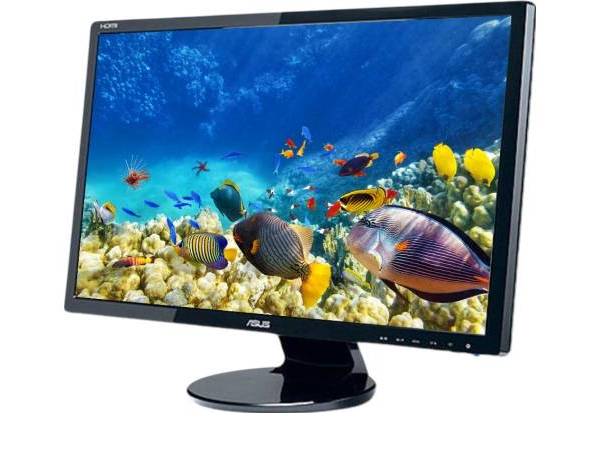
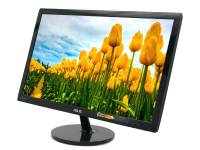
ASUS VE248 24" Widescreen LCD Monitor - Grade A
[ASUS VE248]
|
Key Insight: A checklist-driven evaluation spanning specs, grade, testing, warranty, and compatibility turns bulk refurbished monitor buying from a gamble into a reliable procurement routine. |
How to Match Refurbished Monitors to Different Business Needs
Choosing the right refurbished monitor starts with matching specs to how each team works. Screen size, resolution, panel type, and condition should all reflect the demands of the role, helping you control costs without sacrificing usability or performance.
General Office Work
Standard office workstations are the highest-volume purchasing category, so smart specifications are key to maximizing savings.
A 21-inch to 24-inch monitor with 1080p resolution is ideal for document editing, web apps, and CRM tools. IPS panels suit collaborative spaces, while VA panels are best suited for private offices.
Ergonomic features such as tilt and height adjustments help reduce fatigue, while flicker-free backlighting and low blue light filtering improve comfort during full workdays.
Creative and Design Tasks
Color accuracy is essential for designers, marketers, and photographers, helping reduce revisions and maintain brand consistency. These roles need 24-inch to 27-inch monitors with at least 1440p resolution for sharper detail and less aliasing.
IPS panels are essential, with 99% sRGB coverage or higher. Grade A units are preferred to avoid scratches or coating issues that could affect visual accuracy. Refurbished IPS displays offer the color performance creative teams need at a more practical cost.
Customer-facing Environments
Displays at reception desks, point-of-sale stations, and signage areas are both functional tools and part of your brand image.
In these visible settings, Grade A cosmetic condition is essential, since worn or scratched monitors can leave a poor impression on clients. Screen sizes range from 22-inch models for check-in desks to 27-inch displays for training rooms, with slim bezels and clean designs helping hardware look professional.
Buyers should also confirm VESA compatibility with monitor mounts for wall installations and portrait pivot support for vertical POS setups.
Multi-monitor Setups and IT Deployments
At scale, multi-monitor deployments require planning, and consistency across the fleet simplifies setup and support.
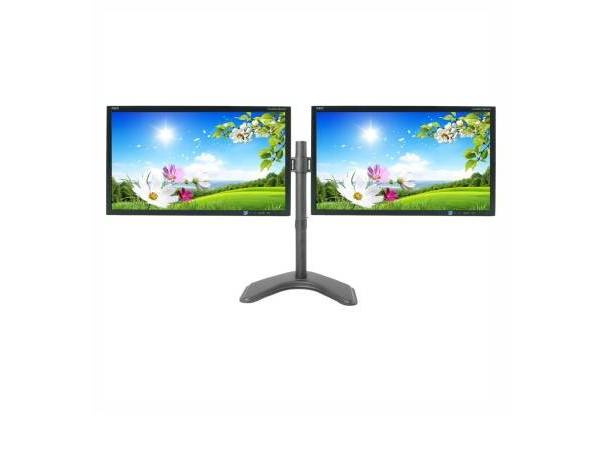
Dual or triple-monitor configurations should support DisplayPort daisy-chaining or USB-C alt mode, allowing multiple screens to run from a single dock with refurbished laptops for business.
Standardizing on one monitor model simplifies driver profiles, display settings, spare parts management, and helpdesk support. Treating multi-monitor rollouts as infrastructure projects helps reduce long-term IT burdens and improve deployment efficiency.
|
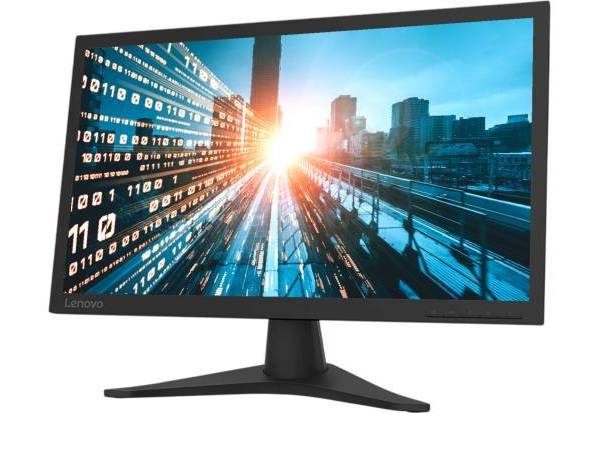
Pro Tip: Never deploy one monitor model across every department. Match screen size, resolution, and panel type to each job function to avoid overpaying for specs your teams will not use. |
Why PCLiquidations Is a Trusted Name for Business Monitors
PCLiquidations has specialized in enterprise electronics since 1991, with decades of experience processing, grading, and testing hardware.
Unlike generic sellers that often focus on TN panels, PCLiquidations prioritizes premium enterprise displays built for business use. We also have a strong customer reputation, with over 24,000 reviews and a Microsoft Registered Refurbisher certification.
Our transparent grading system defines Grade A, B, and C conditions, while fixed pricing makes budgeting easier.
|
Key Insight: Professionally refurbished enterprise monitors deliver reliable performance at a fraction of the cost, providing a reliable investment that serves your budget and your workforce. |
Cut Costs Without Compromising Performance
Refurbished monitors are a practical way to reduce costs without compromising functionality, provided you evaluate the right factors. Focusing on specifications, cosmetic grade, testing standards, warranty coverage, and compatibility helps ensure a reliable purchase and a smoother rollout.
With the right vendor, businesses can access enterprise-grade displays at a lower cost than buying new. PCLiquidations offers clear grading, fixed pricing, strong warranty coverage, and a wide inventory to help simplify the buying process. Browse our selection of computer monitors to find the right fit for your team and budget.